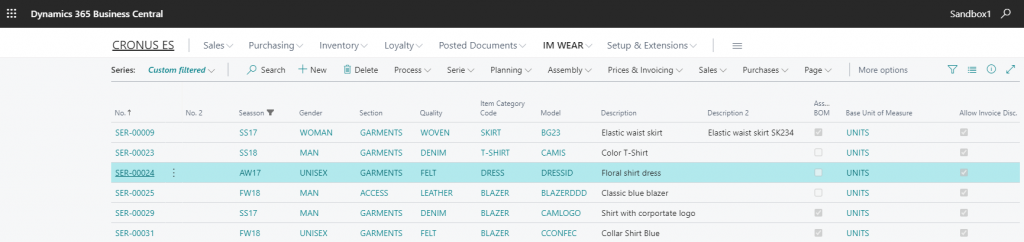
The Finished Items option allows you to manage Series (i.e. parent items) and Items (i.e. child items) of finished garments in Microsoft Dynamics 365 Business Central

parent items
Select the desired No from the list of Parent Items and enter the Parent Item Card
General Fast tab
The General Fast tab contains the specific garment information fields that will be transferred to the related child items once the creation or update process is generated.
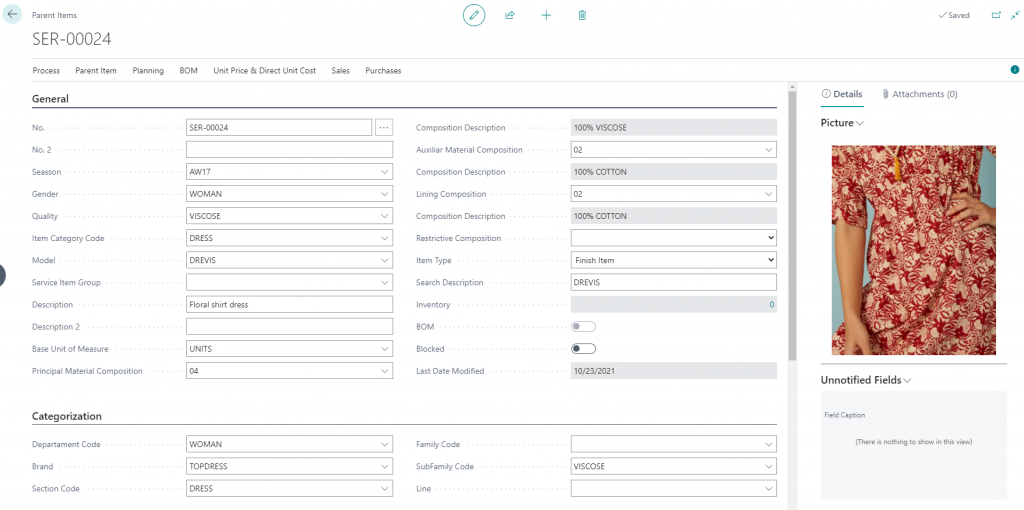
- No.: The serial number
- No.2: An additional number can be generated on the basis of the information of description, size and color
- Seasson: Create your seasson for each collection of garmends
- Gender: Assign gender or unisex
- Quality: Reffers to the quality or type of composition used in the garment
- Item Category Code: Type of garment
- Model: Model is always linked to a particular Season, Gender andItem Catogory Code.
- Description: The description that will be transferred to child items
- Description 2: Second description for the parent item
- Base Unit of Measure: Generally Units
- Raw Material Composition: Composition and %
- Auxiliar Material Composition: Composition and %
- Lining Compositions: Composition and %
- Restrictive composition: Main, auxiliar or lining
- Item Type: Finished Item or Raw Material
- Search Description
- Blocked: Cannot generate nor update child items
Categorization
In this Fast Tab, you will be able to categorize your items in four levels Department, Section, Family, and Subfamily
Additionally, you cant categorize according to Brand and Line
Colour and Sizes Fast tab
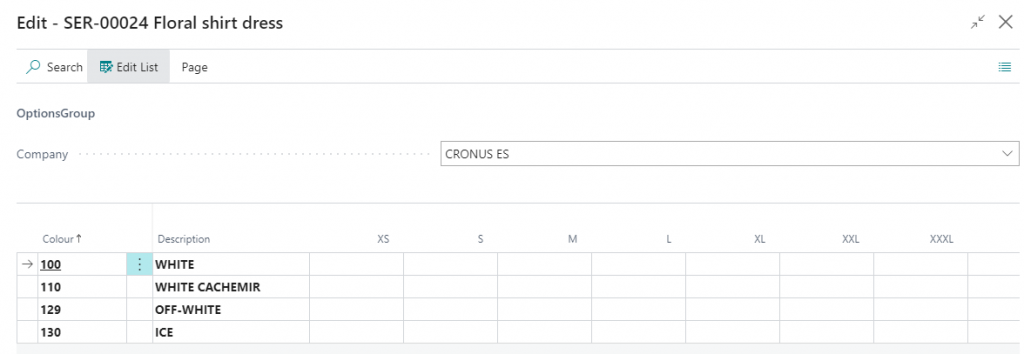
Choose the group of colors and sizes in order to create all the possible combinations when creating the child products.

You will be able to add new colors or sizes once the process is activated, but never delete or change the previously created.
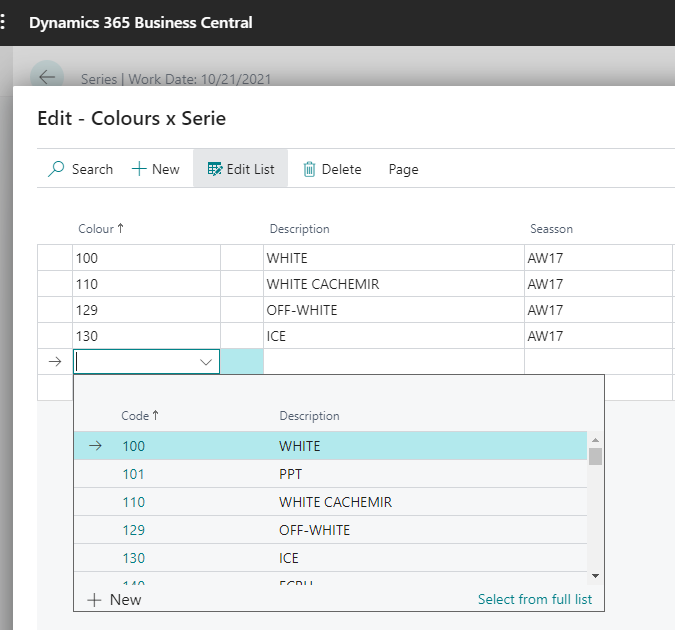
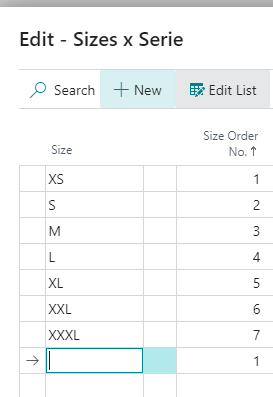
In the sizes list, you can change the order of the sizes or create new ones.
Menu Options
Serie
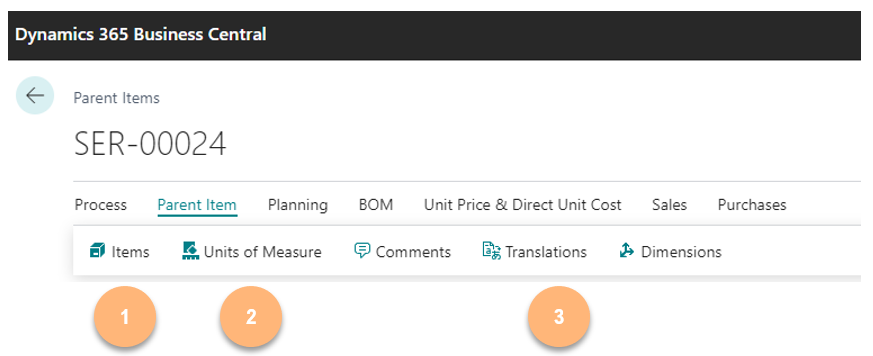
- Items: List of child items related to the Serial No.
- Units of Measure: different units of measure that will inherid child items
- Translations: Transalations for the description of child items
Planning
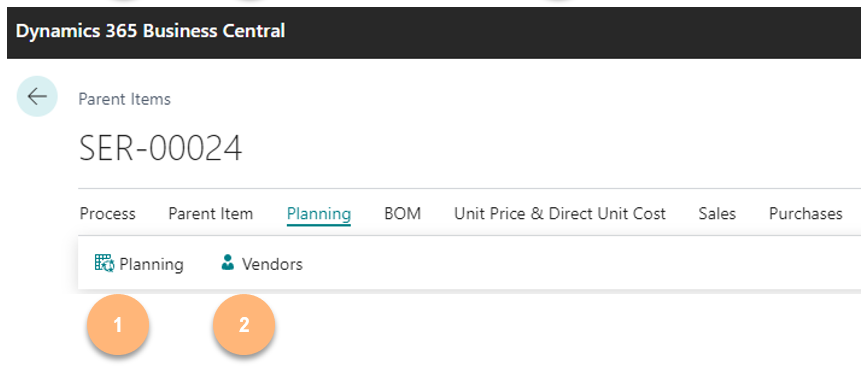
- Planning: With this options child item planned needs can be generated
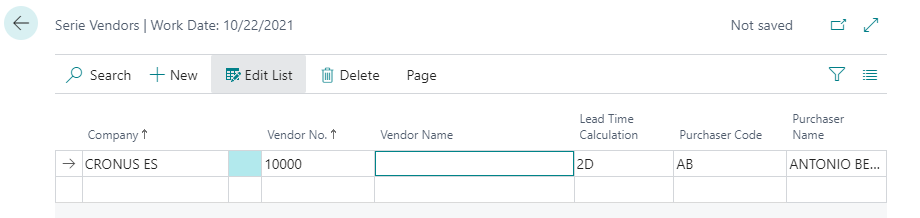
- Vendors: Define default vendors and lead time for child items.
Prices and Invoicing
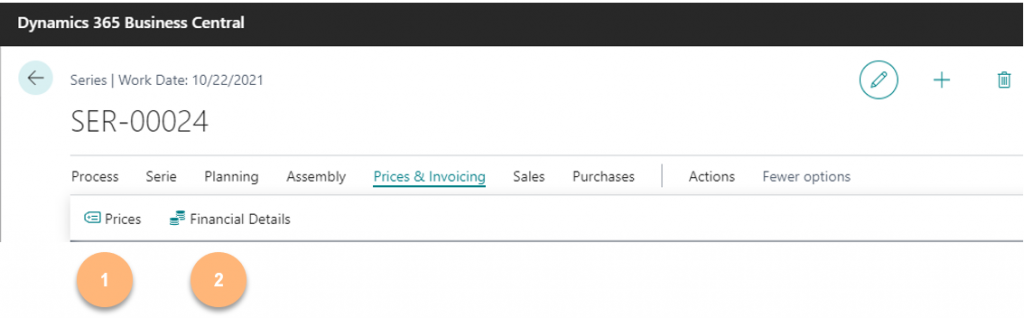
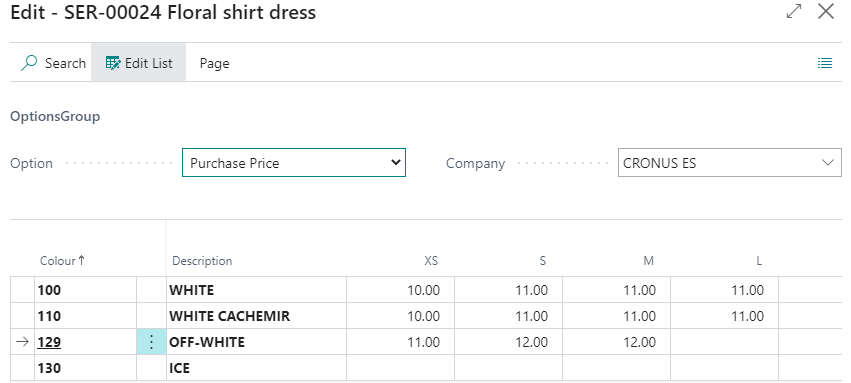
- Prices: You can define default selling or purchasing price for child items from this option
- Financial Details: Define the posting conditions of the child items

Sales
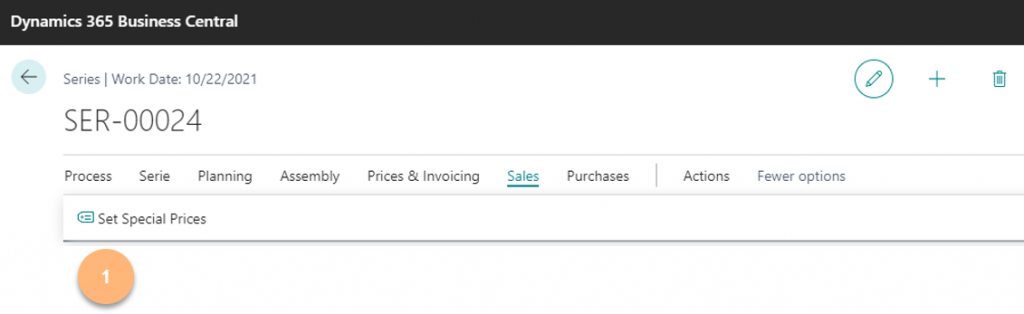
- Set Special Prices: To define special price list conditions use this option

Purchases
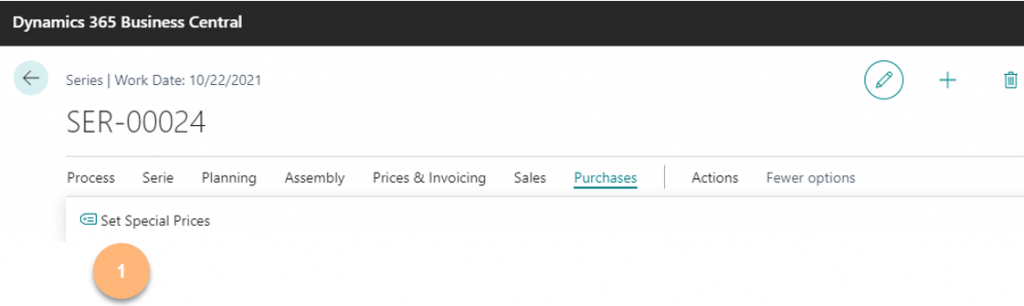
- Set Special Prices: To define special price list purchasing conditions use this option

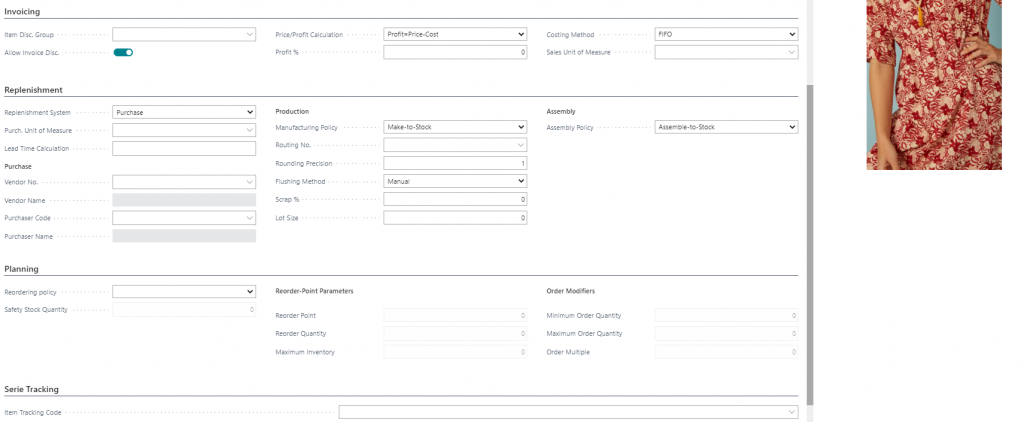
Additional information in the Series card
You can define additional information in the different fast tabs of the Series Card; this information will be transmitted to the child items. When changing the initial values, the updating process for specific fields such as Costing Method or Item Tracking will not work, and the update will have to be done manually on an item basis.