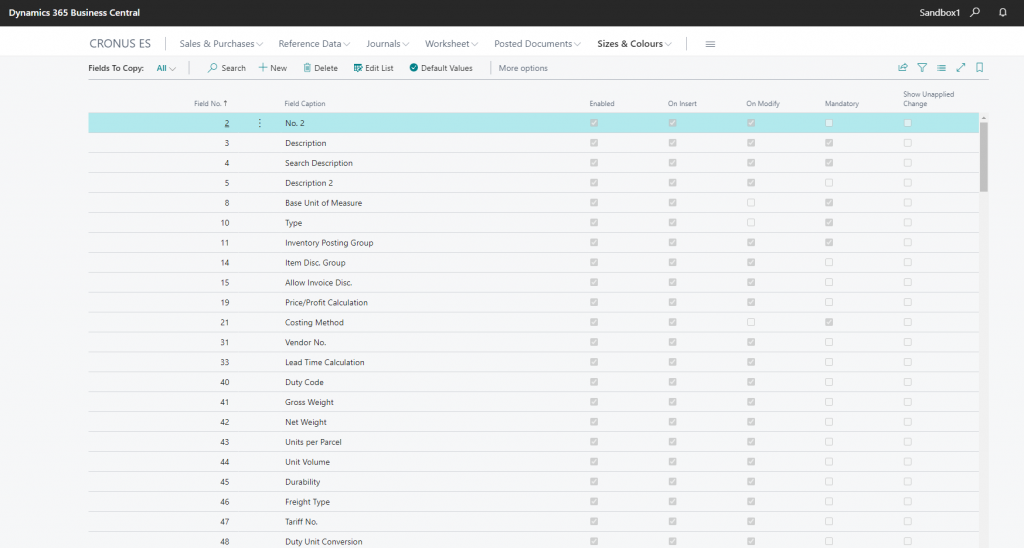
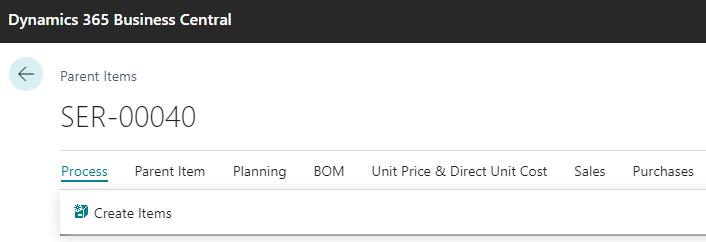
Child Items are created form Parent Items using the menu option Create Items
Choose the options and data that you wish to update in the Child Items to be created. On the Descrtipon Type, you can add color and size to the Child Item description
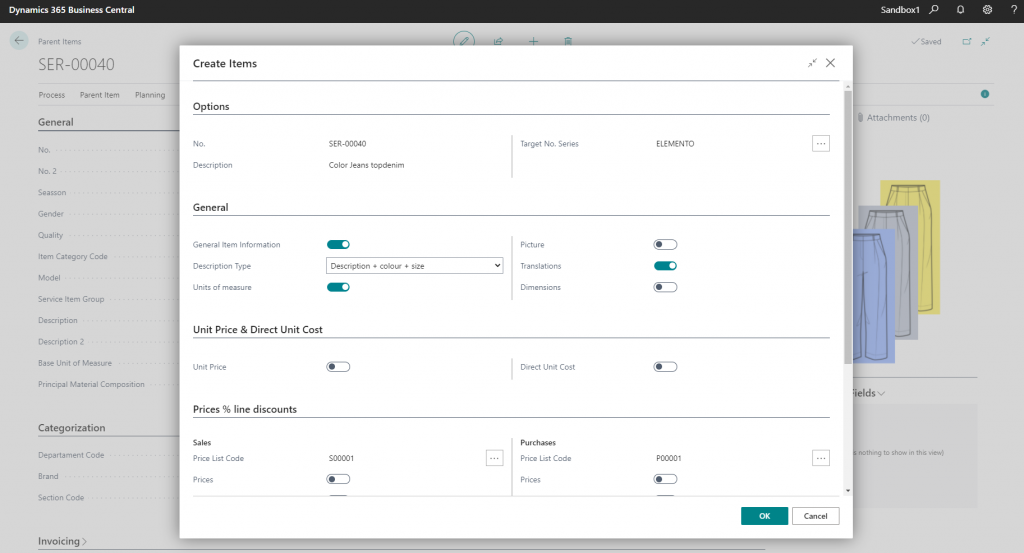
Click accept and all related Child Items will be created or updated according to the definition on the Setup option of Fields to Copy